Construction Timesheet App For Aussie Builders & Tradies
Track time properly. Protect your margin.
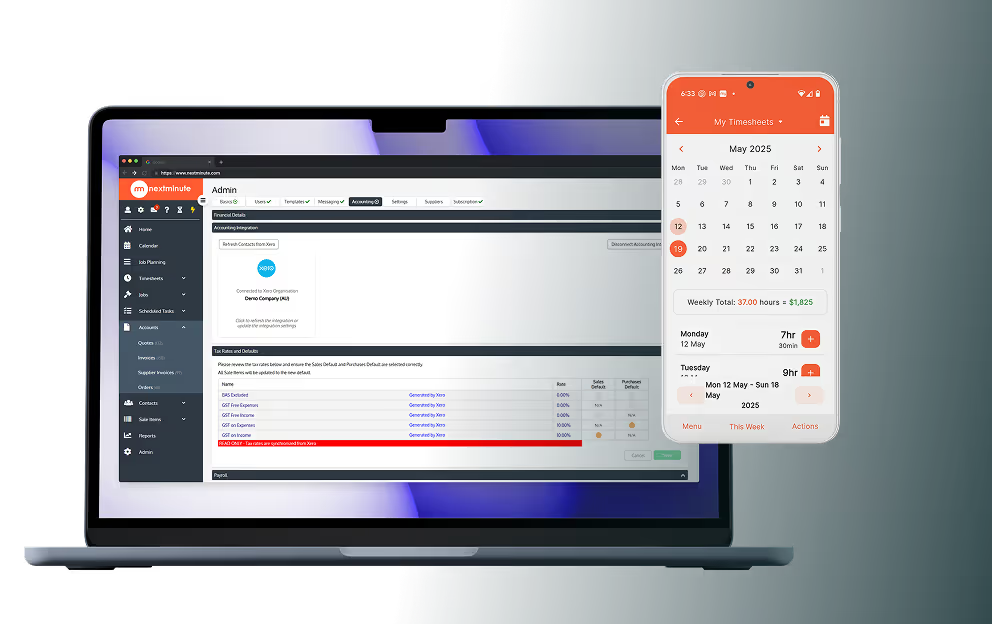
Log time to the right job or task, add photos, notes and expenses from site. Time seamlessly syncs to Xero or MYOB to make payroll easy as.


Log time to the right job or task, add photos, notes and expenses from site. Time seamlessly syncs to Xero or MYOB to make payroll easy as.
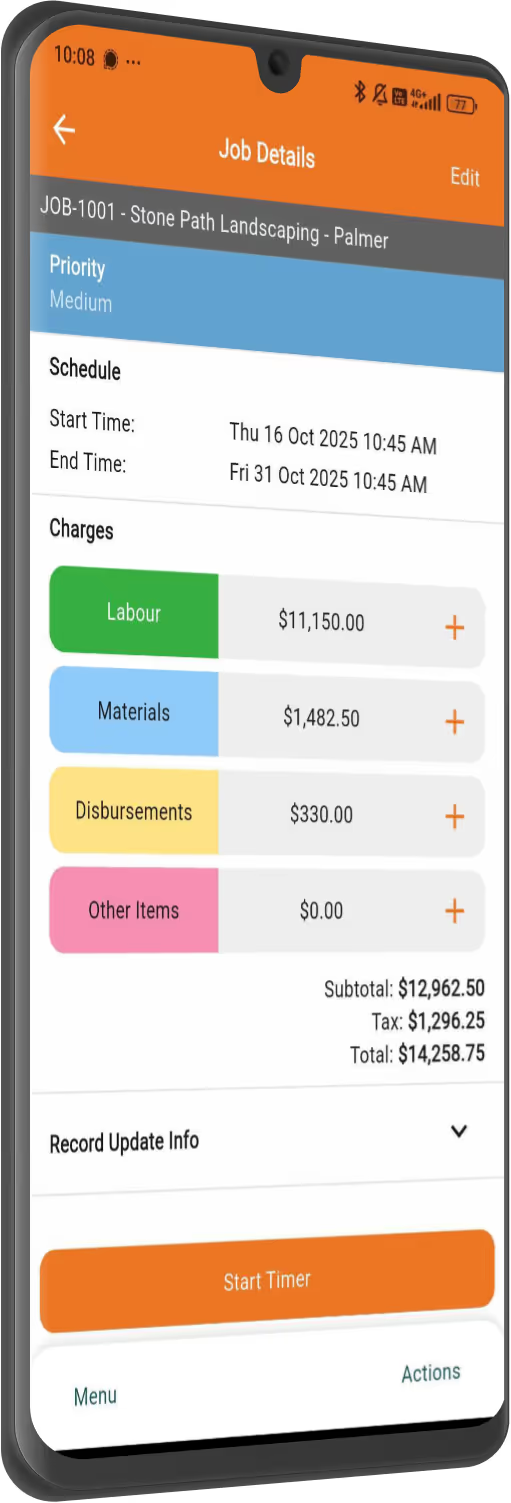
NextMinute makes it easy to log time, stay on top of labour costs, and see where every hour’s going – without chasing the crew or messing with spreadsheets.
Designed for residential construction teams for the way Aussie builders run jobs — by stage, crew, and site.
Even the old-school crew can pick it up in minutes. Log hours, take site photos and add notes straight from the phone while on site.
Track actual hours by crew, stage or job. No more surprises at the end of the month — just clear visibility as the job rolls on.
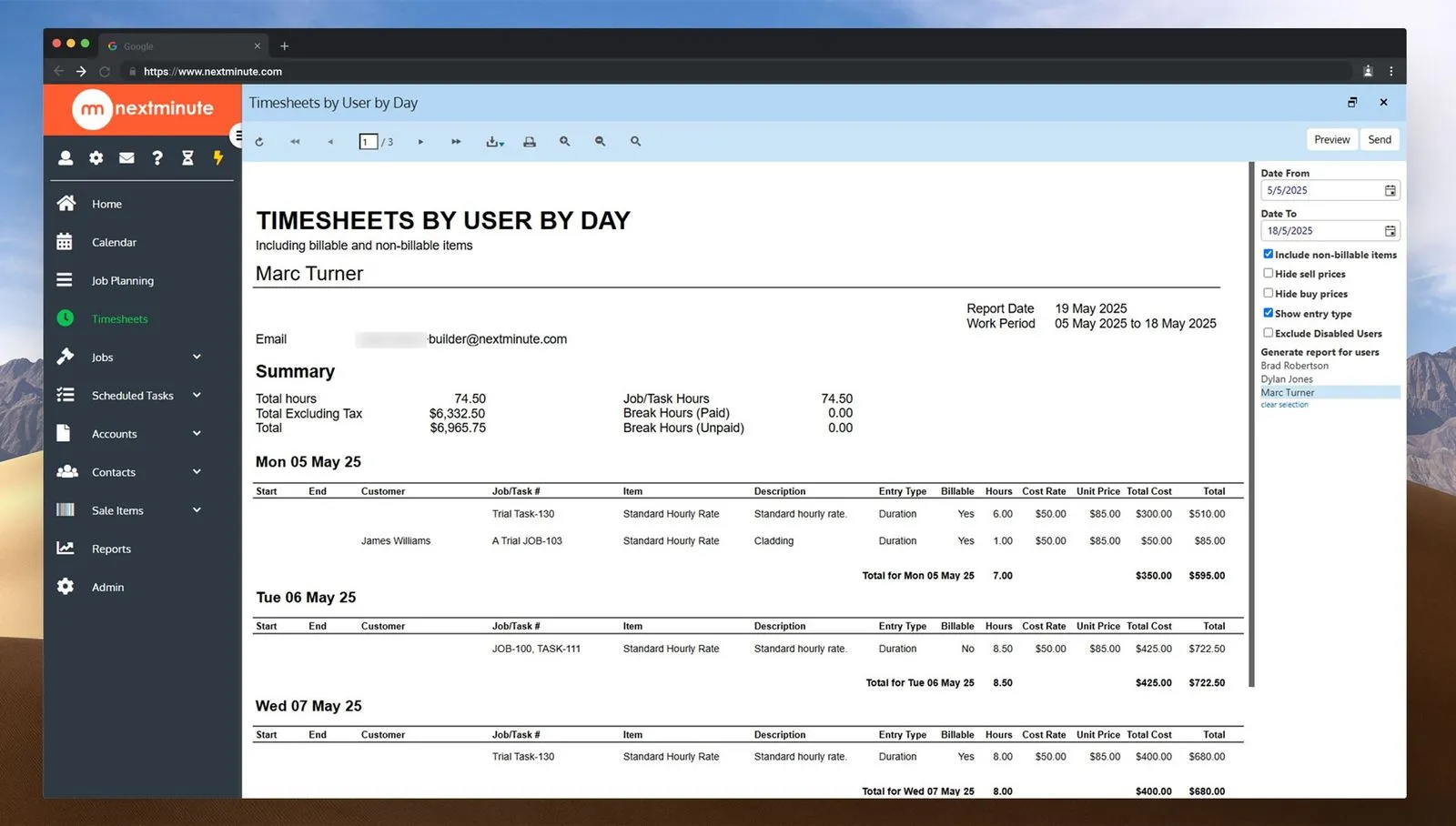
Send timesheets straight to Xero, MYOB or QuickBooks. No more late Friday nights keying in hours or chasing missing dockets.


"We are extremely happy as a small company it has made our lives so much easier. Keeping track of individual job costs and reporting made easy. Not to mention how easy it is to sync timesheets to payroll with one click. Could not recommend this app enough for big or small companies you won’t regret it."
Hayley Rouse
Rouse Contracting Limited
Attach photos, notes, and receipts from the field. Keep a clear record of what was done — and what it cost — all in one place.
Send timesheets straight to payroll and track labour costs against estimates in real time. Get clear back-costing reports by job, crew, or stage — no spreadsheets needed.
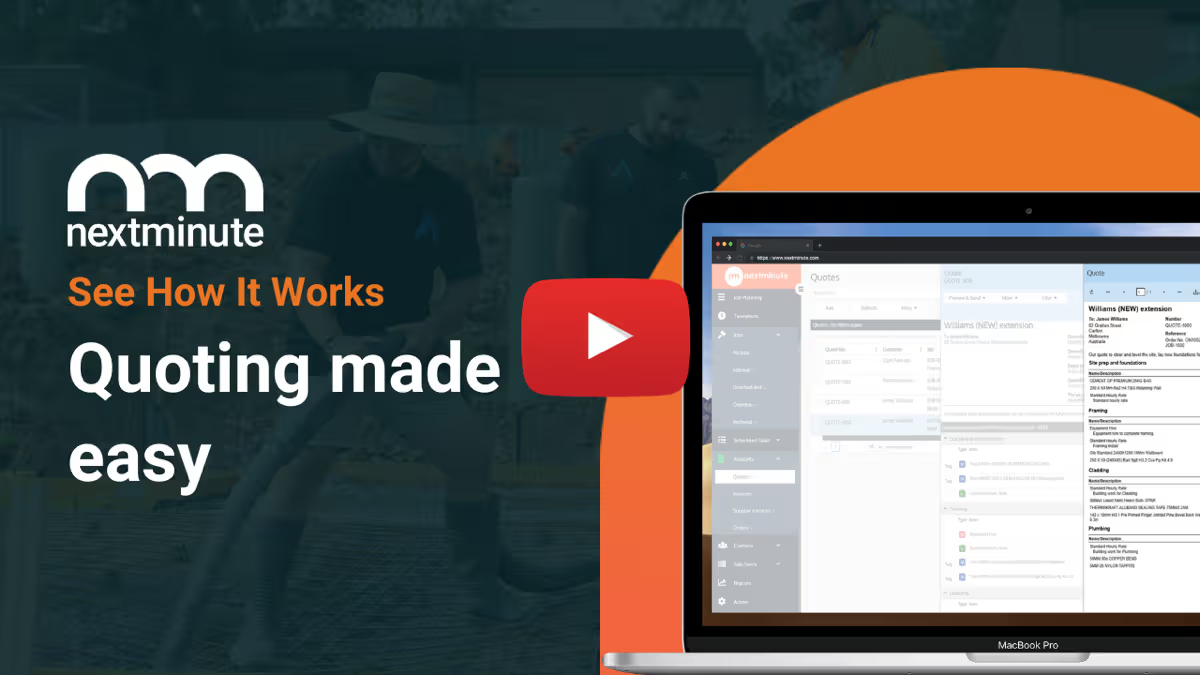
Import your price books and use templates to save hours on quoting. Send to clients and get approval with one click.
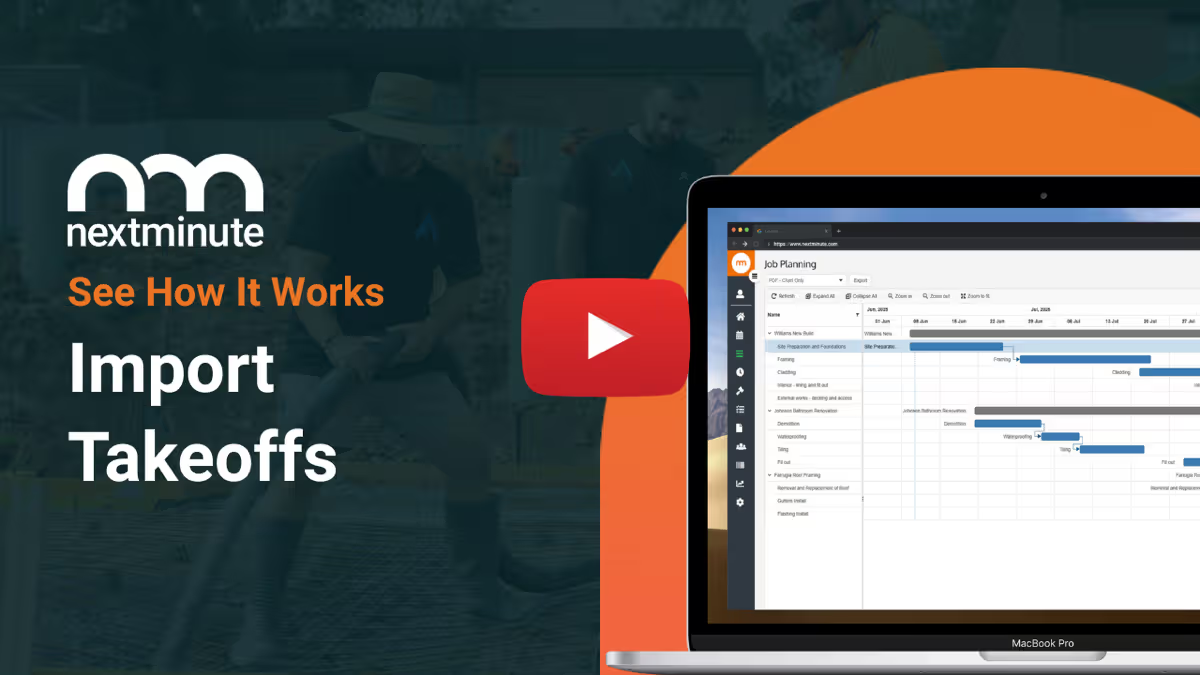
Use your takeoff software or QS of choice, and quickly import takeoffs to NextMinute to start planning the job.
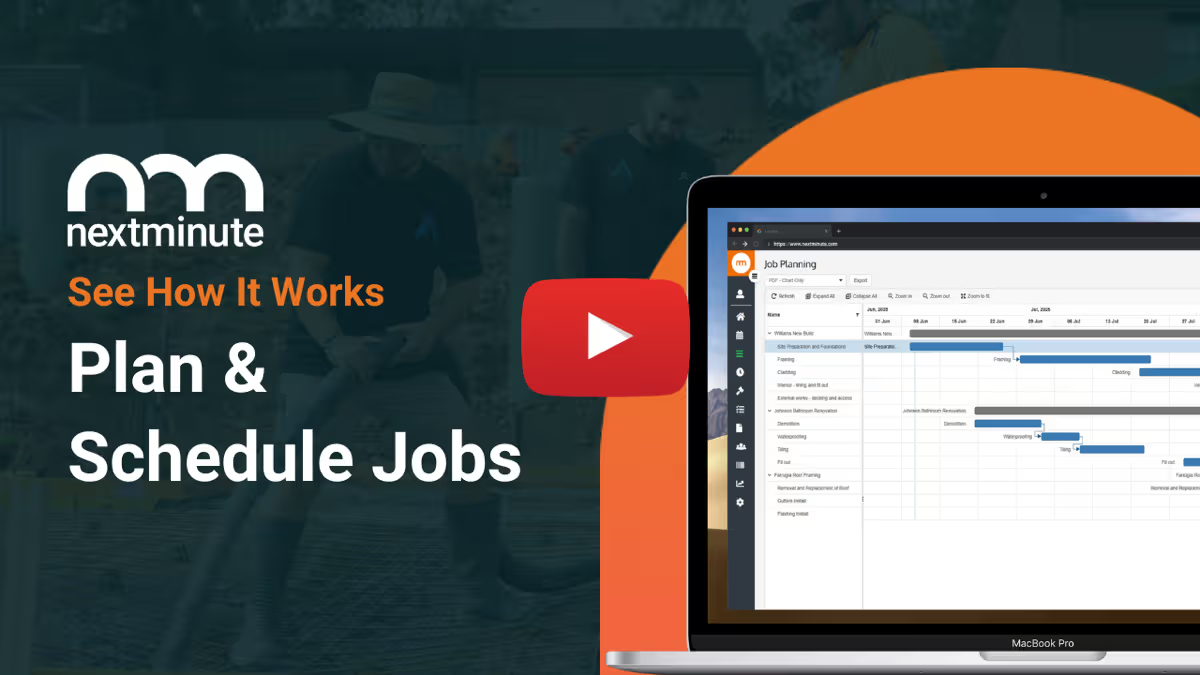
Easy-to-use Gantt chart for planning jobs. Assign jobs and tasks to crew to reduce confusion and get on with the job.
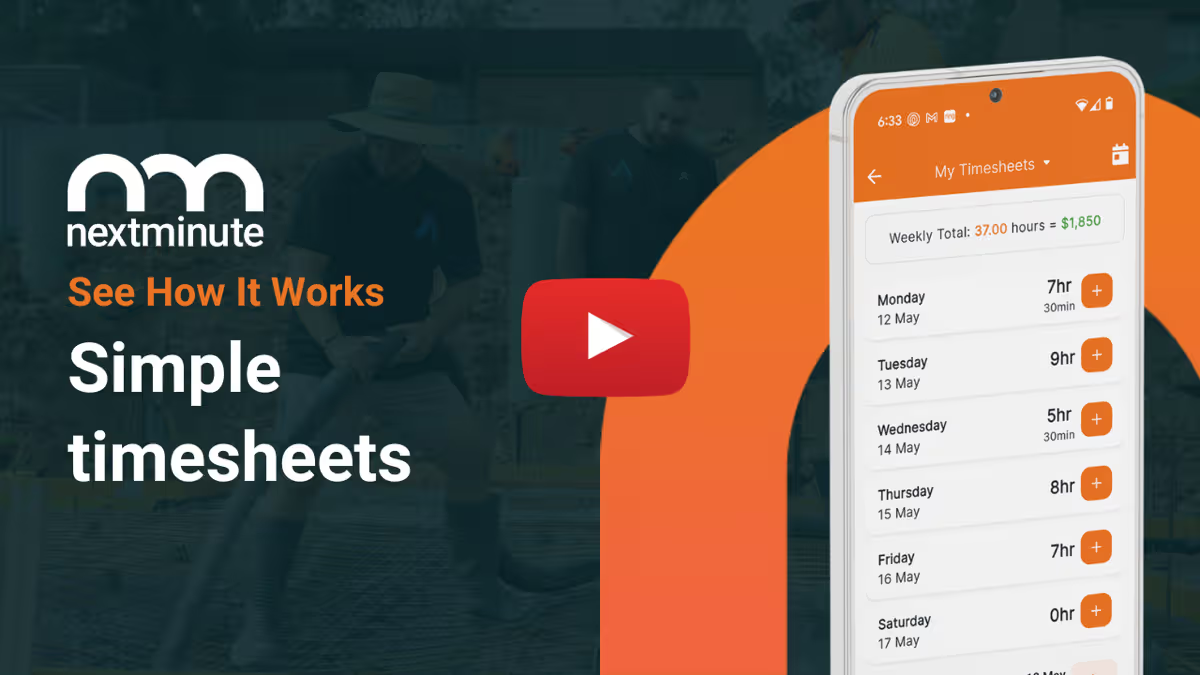
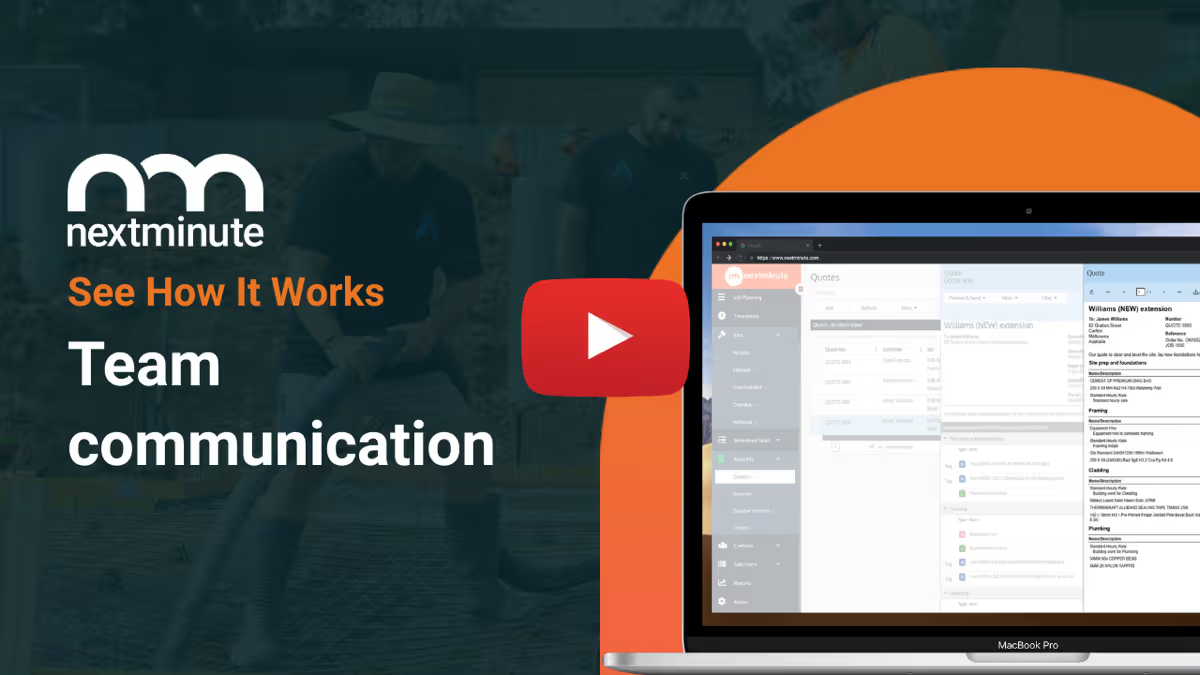
No more chasing timesheets or payroll errors. Talk-to-text notes, attach photos, and log time + expenses.
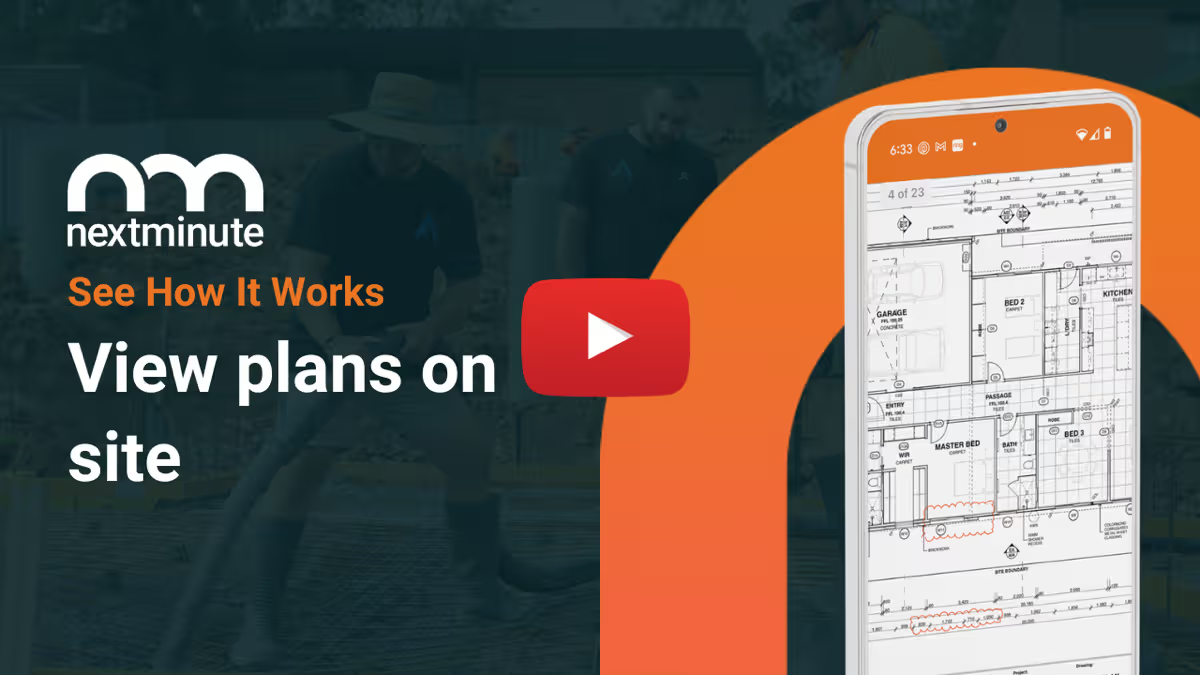
Your team can easily view plans on site. Ditch the paperwork and have less mistakes and confused tradies.
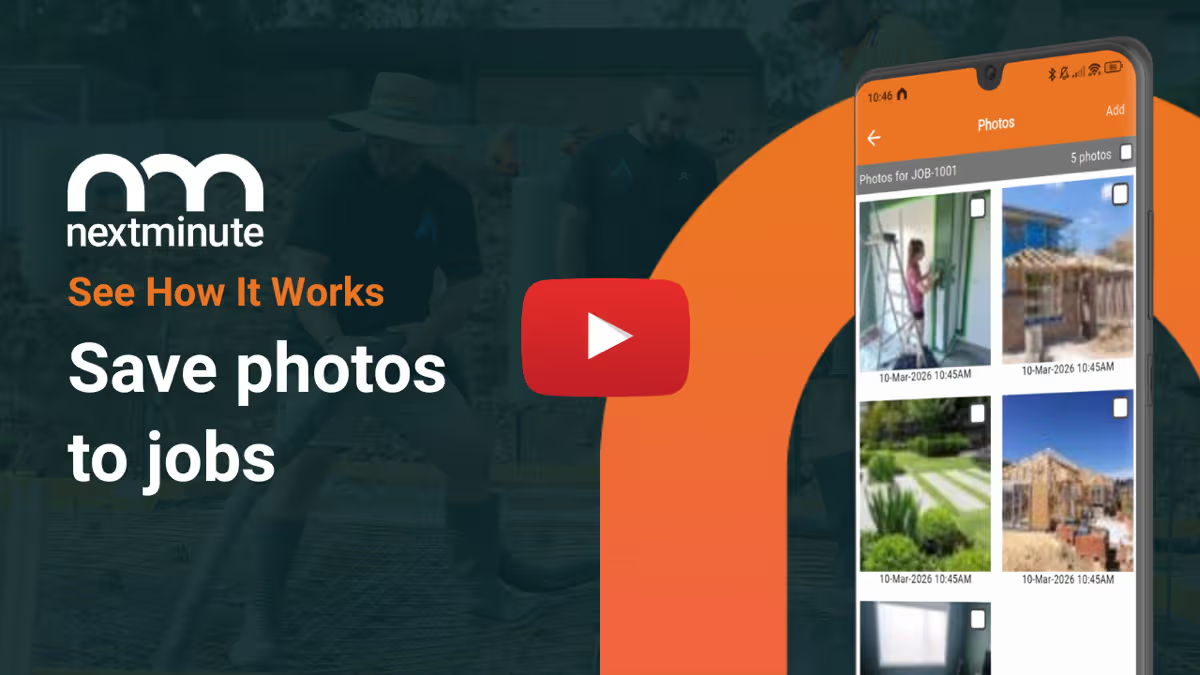
Crew can save photos to jobs so you have a leg to stand on and can keep the customer up-to-date.
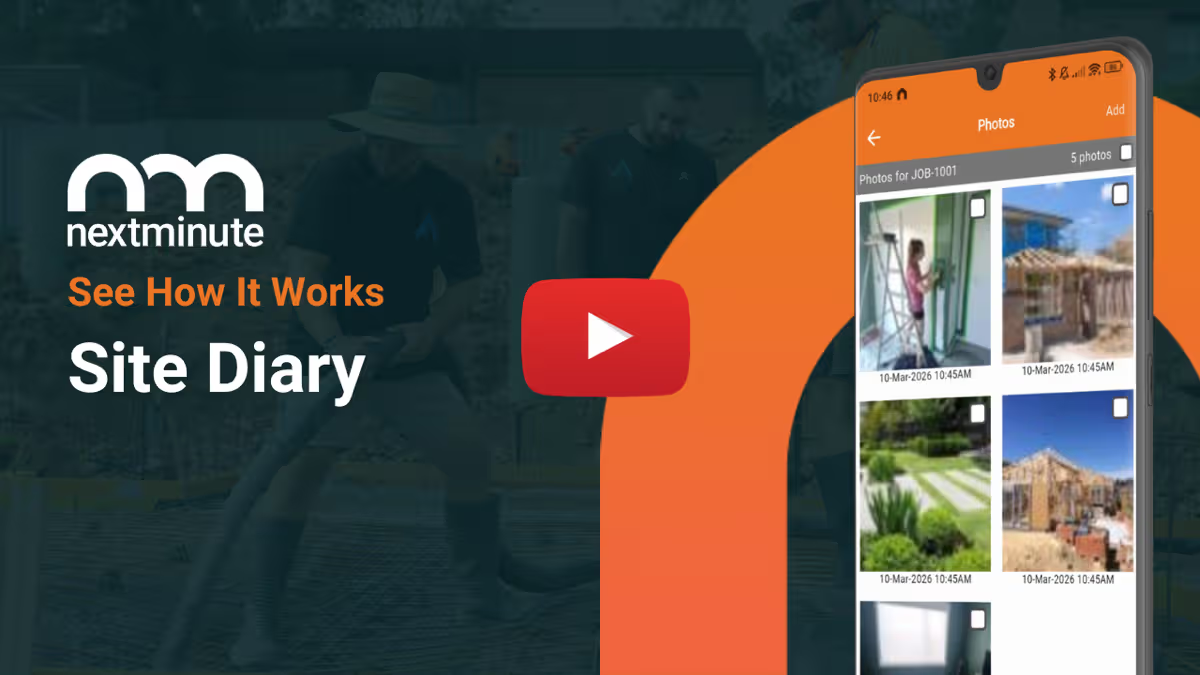
Crew can easily log notes and photos against jobs and tasks to keep you & your client informed.
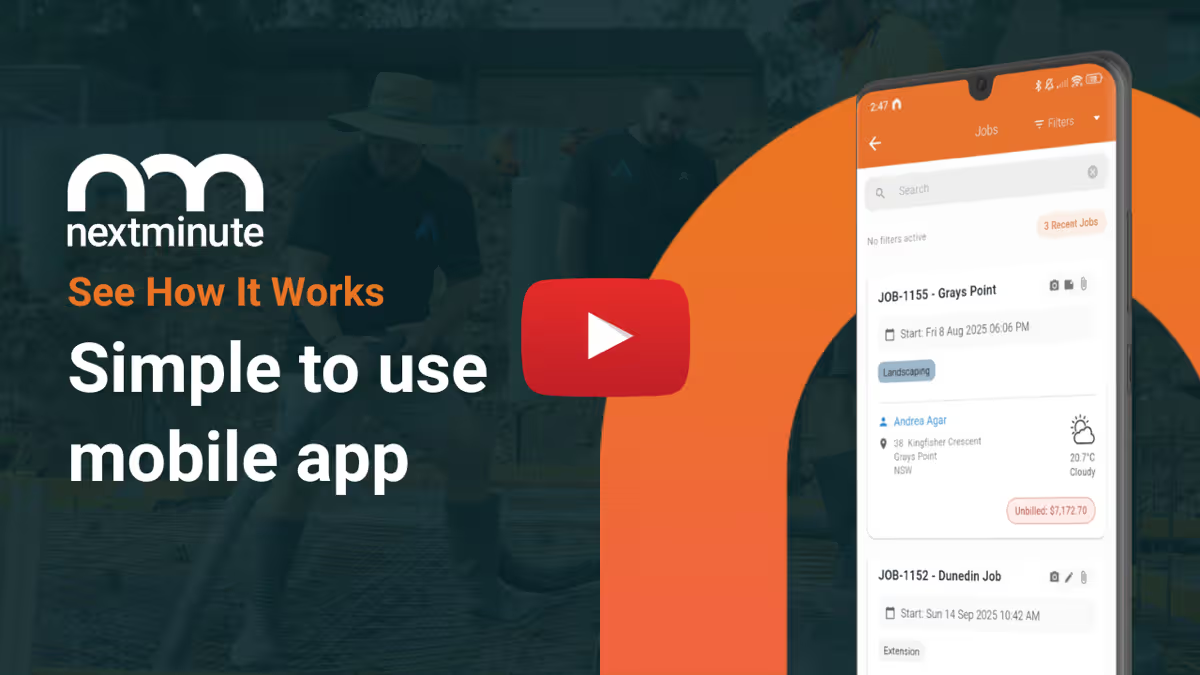
Manage your jobs from on-site or in the ute with ease. Plus, your crew can view jobs and tasks, and log time with ease.
With all your job costs in one system, you can easily send accurate progress or final invoices with a few clicks.
No more handshake agreements and client disputes. NextMinute makes managing and tracking variations a breeze.
Report on actuals vs estimates in real-time by job and stage. Spot blow outs early to protect your profit.
Set custom buy/sell rates for machinery and have your crew log the hours.
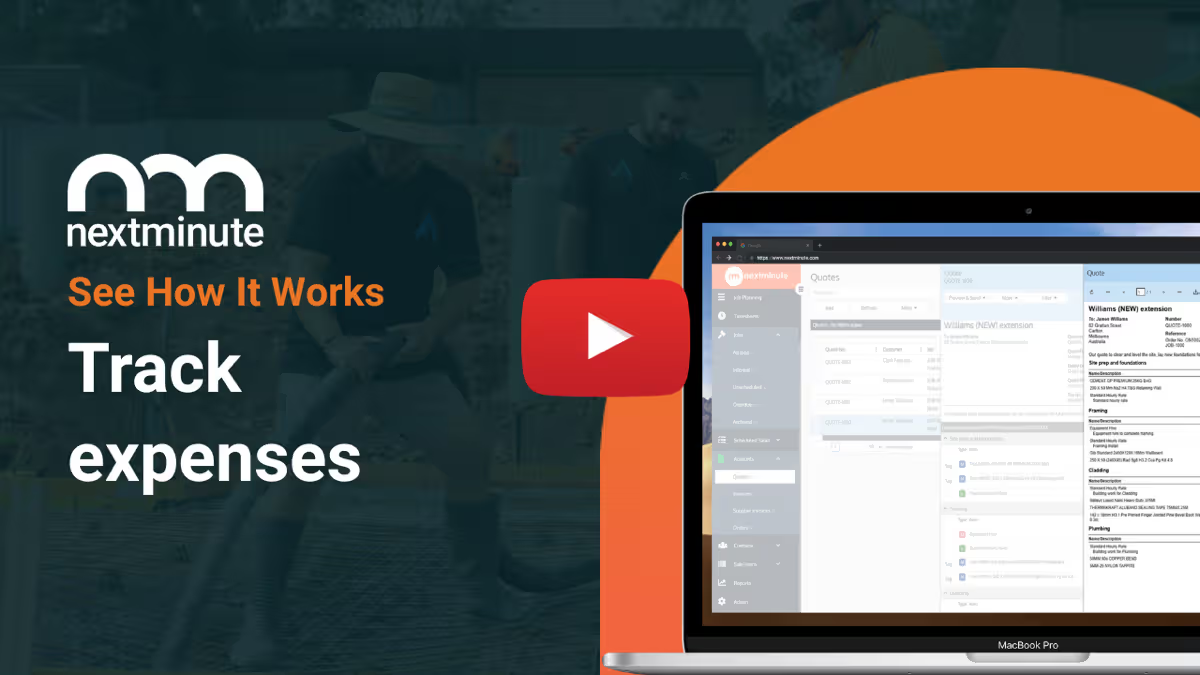
Easily add in job expenses to keep track of your actuals vs. estimates.
Easily send SMS, email, and in-app messages straight from NextMinute.
Reviews
Rated 4.9/5 with 100+ reviews on Google and Facebook, with local Aussie support that actually helps.


NextMinute keeps your jobs and your accounts talking to each other. Contacts, invoices, timesheets & payments stay in sync, so you’re not re-entering info or cleaning up mistakes later.
See Integrations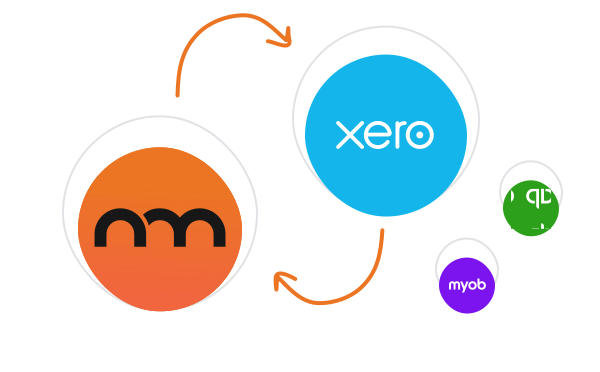
Talk to a Real Person
Have a quick chat with our Sydney-based team. We’ll walk through how you run jobs and show you how NextMinute fits.

Anna-Kate
Sales Manager
From the land of Guinness, she’ll help you work out if NextMinute’s a good fit. Straight talk, no sales BS, and a good sense of humour.

Mat
Former Plumber & NextMinute Pro
Mat’s a plumber, not a software guy. He’s been on the tools and shows you how to run jobs without the admin headaches.
Tell us what you need
Let us know your requirements and how you run your jobs
No bullsh*t
Real humans with construction experience that you'll actually like talking to
Get a trial account
We'll set you up with a customised account to try out NextMinute. We can even import your jobs and quotes
We’ve answered the ones we hear most from builders and tradies.

NextMinute is purpose-built for Australian residential construction crews — builders, landscapers, carpenters, roofers and pool builders running multi-stage jobs. The crew logs hours from the mobile app, notes go straight to the job, and timesheets sync cleanly with Xero, MYOB and QuickBooks for payroll. It's not a generic clock-in/clock-out tool — labour ties directly to the job and stage, so you see exactly where your hours and your margin are going.
Because the crew logs hours against specific jobs and stages as the work happens, you can pull live labour costs at any point and compare them to your original estimate. If framing was meant to take 80 hours and you're already at 70 with a third of the work to go, you'll see it on the backcosting report — not at the end of the month when the damage is done. That's where margins get saved.
Timesheets logged through NextMinute tend to be much more accurate than paper. The crew enters time against the specific job they're on, often as the work happens or at the end of the day, with the option to attach a site photo or note via the mobile app. No more reconstructing the week from memory on a Friday afternoon. Because everything's timestamped and tied to the job, you've got a clear record for back-costing, payroll, and the odd client query about why a stage took longer than quoted.
Yes — timesheets sit in NextMinute until you approve them. You can scan through what each crew member's logged for the week, check it against the job, and flag anything that doesn't look right before pushing it through to Xero or MYOB payroll. This gives owners a chance to catch genuine mistakes (wrong job, wrong day) without it becoming a hassle. Most teams get into a Friday rhythm — review, approve, sync, done.
Yes. When the crew's logging time, they can also add expenses — fuel, materials picked up at the supplier, gear hired on the way to site — and snap a photo of the receipt. Everything ties to the job, so when you raise the invoice you're not chasing the crew for forgotten dockets. It also keeps your backcosting honest — labour and materials sitting in the same spot, against the same job.
The crew can use talk-to-text in NextMinute to leave site notes — handy when fingers are dirty, gloves are on, or they just don't fancy thumb-typing a paragraph on a Friday afternoon. A quick voice note about a variation, a delay, or a question for the office gets dictated straight into the mobile app. The note is attached to the job, so you've got context next to the hours instead of trying to remember what "Tuesday, possible issue with footings" meant a week later.
NextMinute itself isn't an STP product — payroll and STP reporting are handled by your accounting software. What NextMinute does is feed clean, accurate timesheet data straight into Xero, MYOB or QuickBooks, which then submits to the ATO under STP. The benefit is fewer errors at the source — accurate hours flow through to the pay run, the pay run flows through to STP, no double entry, no late corrections.
Most owners are surprised how quickly the older crew picks it up. The logging screen's two or three taps — pick the job, enter the hours, add a note if needed. There's no clock-in routine to remember, no jargon, no menus three levels deep. Crew who normally resist app-based admin usually do so because the apps are overcomplicated. NextMinute's mobile app is deliberately stripped back, so someone who's been on the tools for thirty years can use it without feeling patronised.
Free apps work fine for clocking in and out, but they don't talk to your jobs. The hours sit in a list that someone in the office has to manually attribute to the right job, the right stage, and the right pay run. NextMinute ties hours directly to the job from the moment the crew logs them — so backcosting, invoicing and payroll all run off the same clean data. For a crew of three to five, that's the difference between knowing your margin and guessing it.
You can have the crew logging time within a day or two. Most teams onboard the office side first (jobs imported, payroll connection set up with the local team's help), then roll the app out to the crew via a quick toolbox chat. The logging screen takes minutes to learn, and our AU-based support is on the line if anyone gets stuck. Worth lining up a demo before signup so you know what to expect.


Copyright © NextMinute Australia Pty Ltd. All Rights Reserved.